Octave Alto Enterprise
Formerly M.App Enterprise, this flexible platform lets you create and run geospatial apps and visualize results in interactive map dashboards.
Unified geospatial enterprise platform
Create tailored, browser-based and mobile apps
Alto Enterprise helps teams work faster and more confidently by bringing all geospatial data, workflows and analytics into one platform. Users can connect to many data sources without conversion, build focused apps that mix maps and dashboards and support fieldwork with mobile and offline tools. With clear workflows and shared insights, everyone stays aligned and productive.
Run simple workflows from office to field
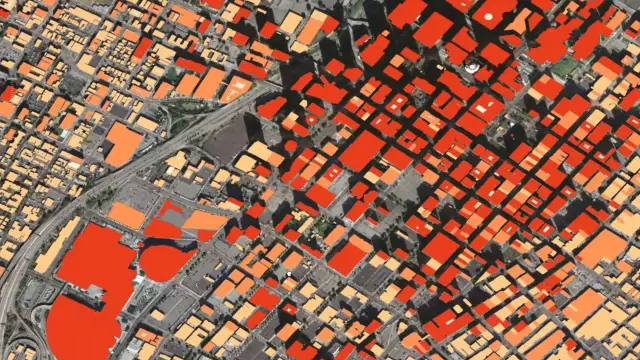
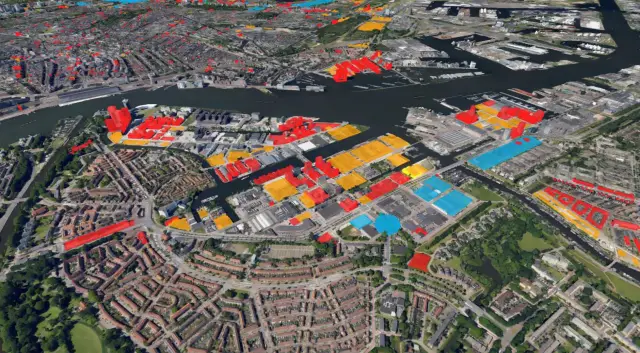
Alto Enterprise follows a simple idea: monitor what changes, evaluate the impact and act through guided workflows. Build tailored apps that blend maps, dashboards and analytics — then take them to the field with mobile and offline support. Connect to many data sources without conversions, apply 2D / 3D visualization and govern access with roles and tenants from a central console.
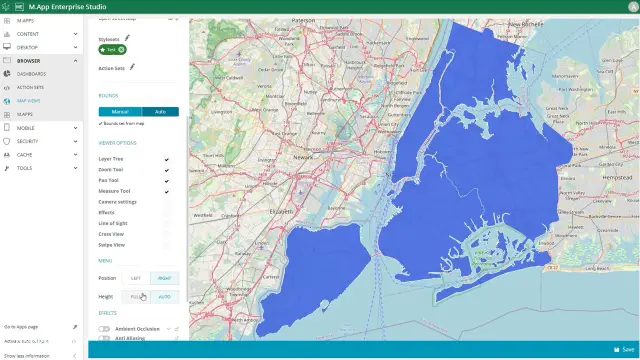
Build web, desktop and mobile geospatial apps
Create purpose-built apps for operations, planning and field teams. Mix maps, charts and forms in one experience and deliver them on browser, desktop or mobile, so everyone works from the same up-to-date view.
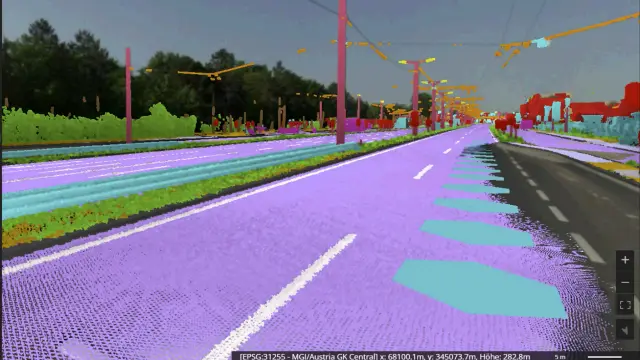
Connect to data in its native format
Plug into files, databases, web services, ERPs and more without time-consuming conversions. Keep information current by streaming live feeds and unifying spatial and business data for faster analysis.
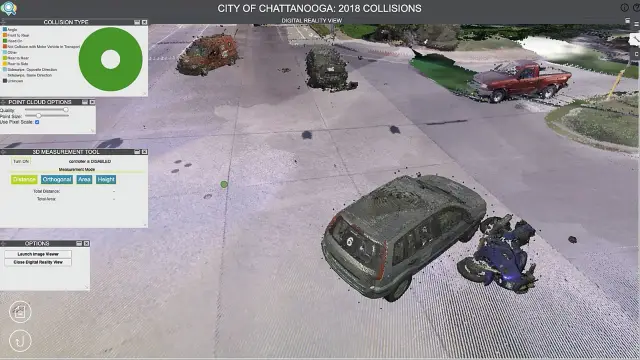
2D / 3D dashboards with analytics and machine learning
Combine maps with BI widgets, run spatial models and apply machine learning to detect trends. Turn complex inputs into simple, actionable views that help teams decide with confidence.
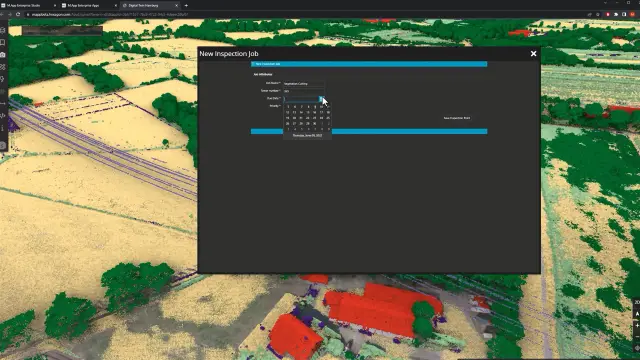
Guided workflows and data validation
Standardize tasks with role-based workflows that enforce data checks and access rules. Reduce manual steps, improve consistency and keep processes moving smoothly.

Mobile fieldwork, even when offline
Capture, edit and inspect data in the field. The mobile client supports offline work and syncs changes securely when you reconnect, so crews stay productive anywhere.

Central admin for users, roles and tenants
Control who sees what with role-based access, tenant management and usage stats. Deploy on-premises or hybrid to meet security and IT requirements.
Alto Enterprise in action
Explore Alto Enterprise

We're here to help
Get the help you need with direct access to support and resources.