Octave Alto Browser: Situational awareness software for the web
Formerly LuciadRIA, this JavaScript SDK helps you build geospatial applications that deliver desktop-like performance in the browser.
Build high-performance geospatial web apps, no install
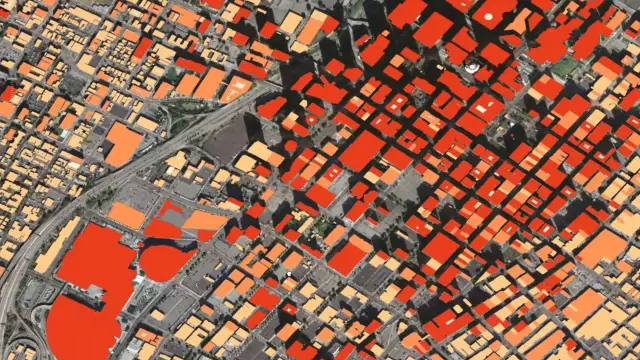
Fast, accurate 2D / 3D / 4D web views
Alto Browser provides desktop-like performance in the browser so teams can explore accurate 2D, 3D and time-based views without heavy installs. Stream dynamic feeds — flights, tracks and panoramas — and stay responsive even with large datasets. Built on open web standards, Alto Browser runs on desktop or mobile and supports real-time situational awareness wherever decisions need to be made.
Extendable SDK for demanding web workflows
Alto Browser gives developers tools to build geospatial applications that feel fast and fluid in a standard browser. Use out-of-the-box components for mapping, 3D scenes and real-time updates and extend styling, symbology, data connectors and interactions to match your workflow. The result is responsive web apps that deliver clear, real-time operational pictures, without compromising accuracy or user experience.
2D and 3D maps load and respond quickly
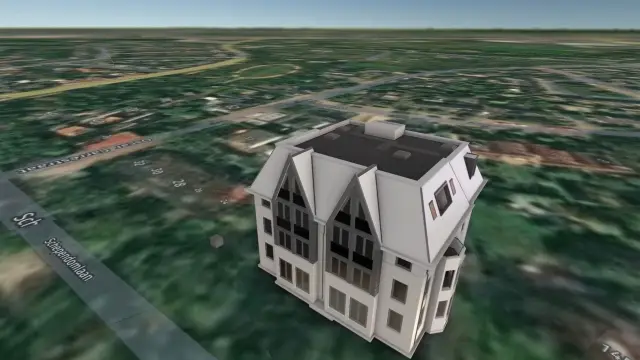
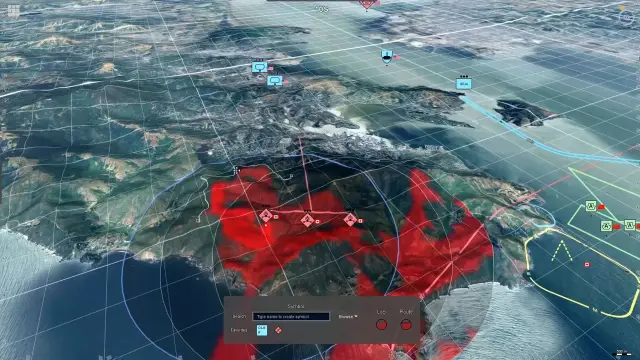
Alto Browser makes maps feel smooth and responsive, even with high volumes of data. Users can instantly switch between 2D and 3D, explore the scene freely and keep working without lag. Everything runs directly in the browser, powered by modern web technologies.
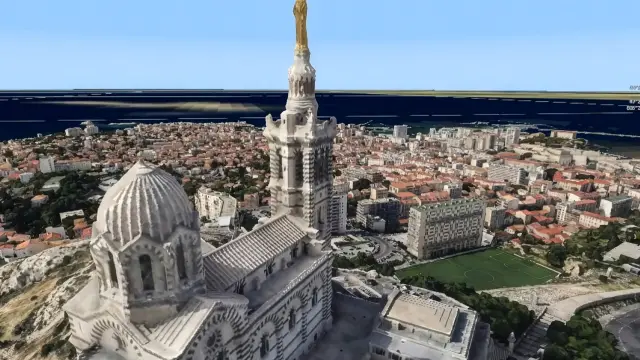
Accurate and dependable map views
Maps stay true to real-world locations, even when zooming, rotating or switching views. Alto Browser handles positioning and transformations behind the scenes so users always see reliable, updated information they can trust.
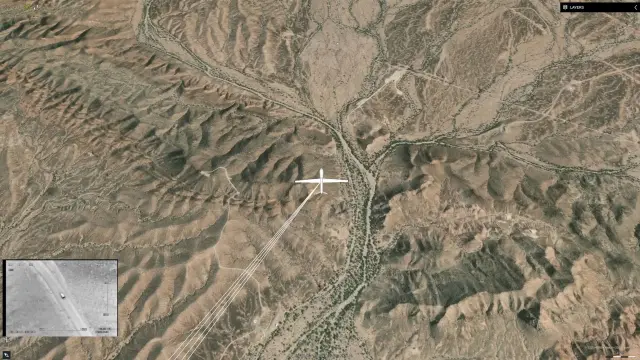
Made for real-time, fast-moving data
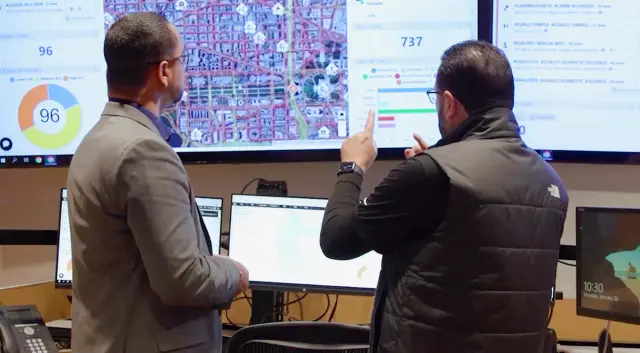
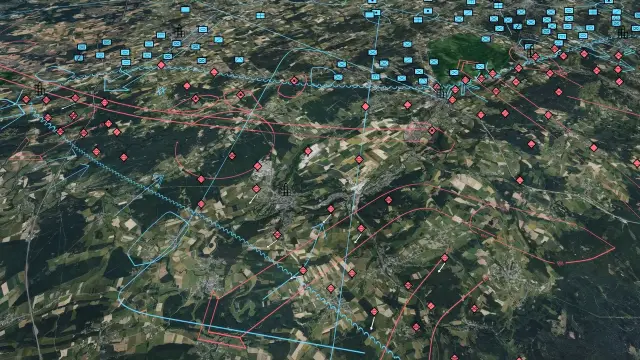
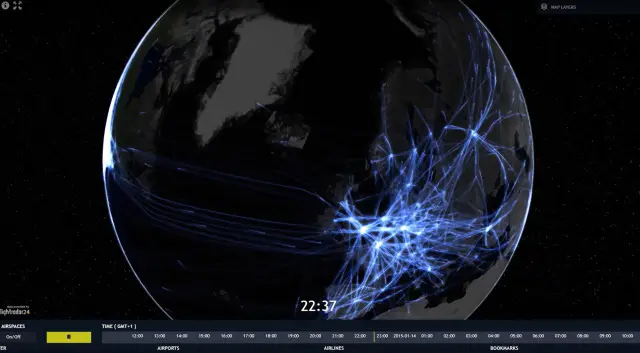
Whether tracking flights, vehicles or other moving assets, Alto Browser keeps everything clear and up to date. It can handle large amounts of incoming data without slowing down, making it ideal for mission-critical operations that depend on live information.
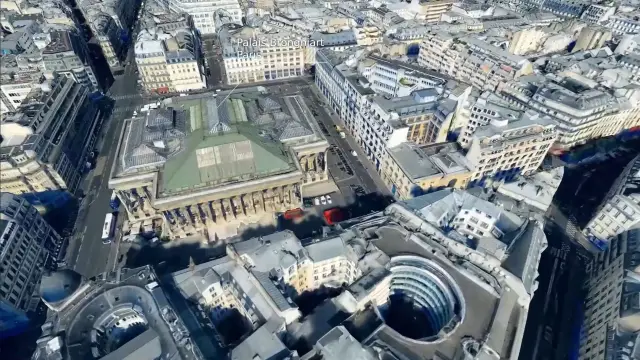
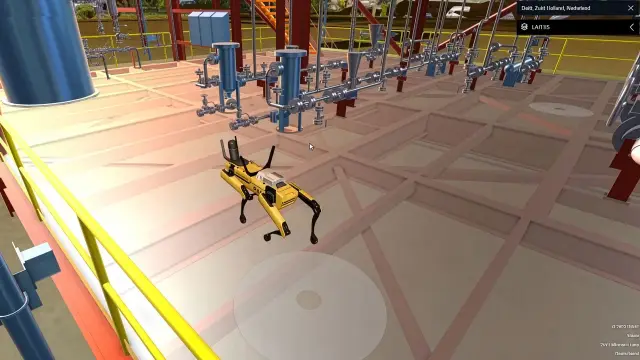
Rich 3D scenes with terrain and buildings
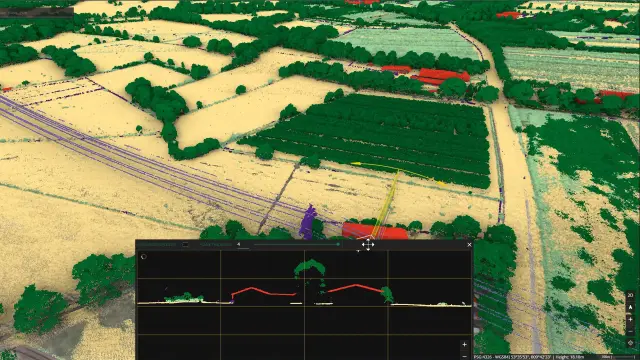
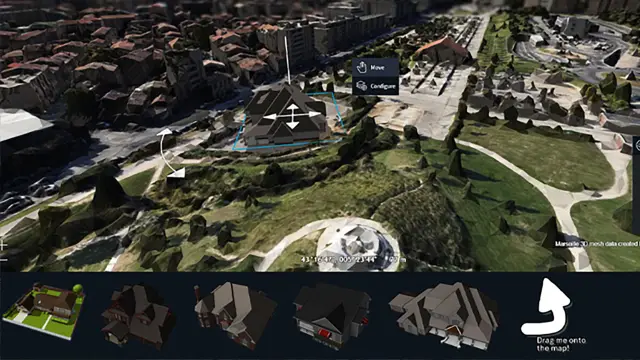
Alto Browser supports detailed 3D models, terrain, meshes, point clouds and panoramas. Users can explore complex scenes naturally, understand locations better and work within realistic digital twin environments.
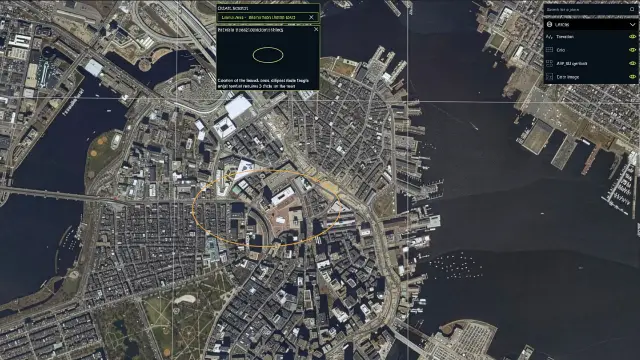
User-friendly tools for exploring and comparing data
Built-in tools make it simple to zoom, draw, select or compare data layers. Users can view changes over time, explore vertical or profile views or highlight differences between two datasets; all with intuitive controls.
Flexible for developers to adapt and extend
Developers can tailor Alto Browser to match their app’s look, workflow or data sources. The modular SDK includes examples, guides and ready-to-use components that help teams build the exact experience they need.
Alto Browser in action
Explore Alto Browser

We're here to help
Get the help you need with direct access to support and resources.